Still Her Studio Pass
Create AI content you can use for your brand, your business, or your clients.
Build your AI avatar, plan your story, generate your scenes, and edit the finished video. Follow practical workflows, use the prompt and assets library, and get support inside the Still Her community.
Start Here in The Brand Room. Six core modules. Built-in planning tools, prompts and community support.
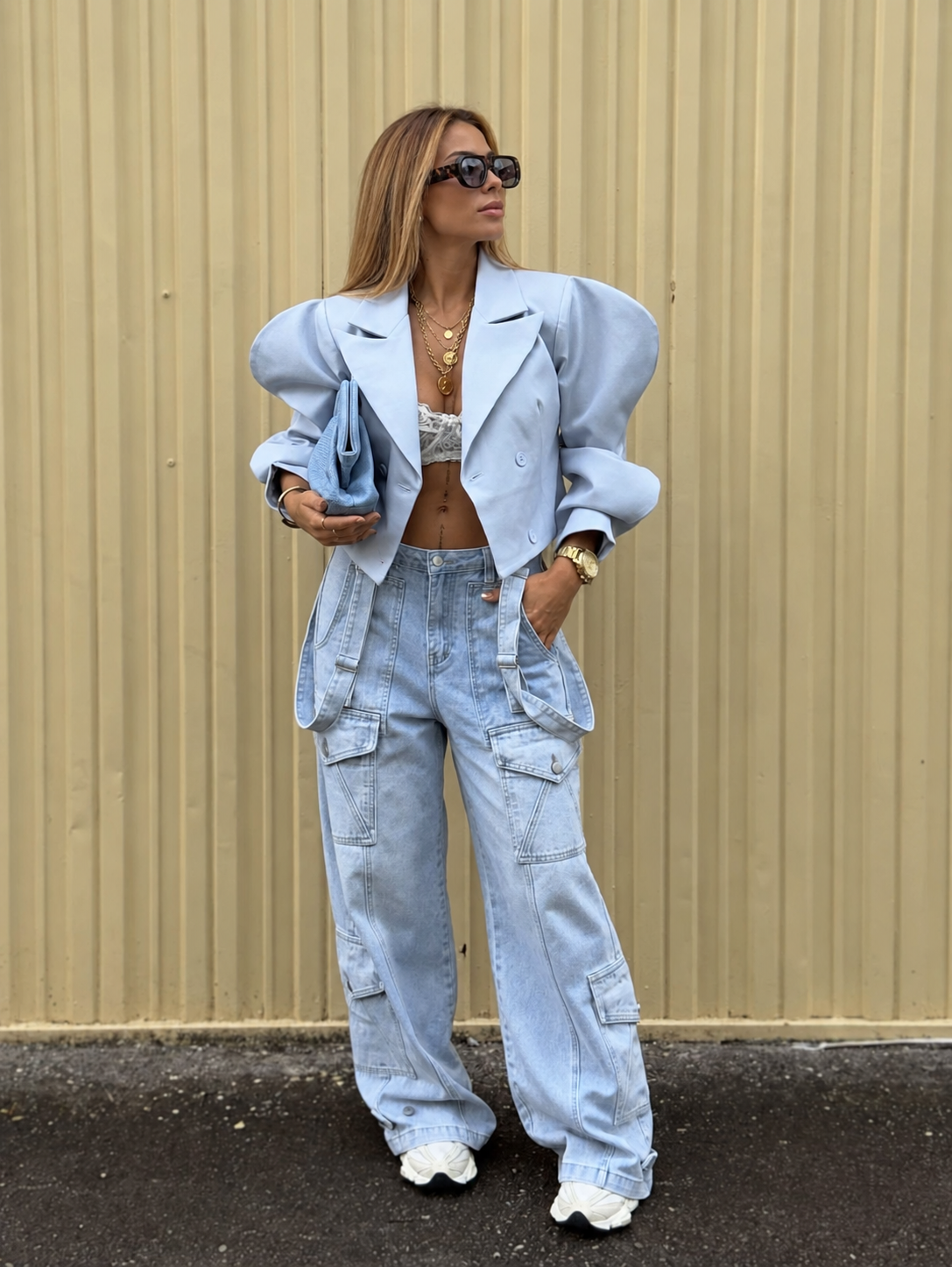
Made by Aleksandra with this workflow
What you can create
Real formats you can post, sell or deliver.
Your AI avatar
Create a recognizable version of yourself and use it across scenes.
Talking-head and interview videos
Turn a script into a video with a consistent character and voice.
Cinematic stories
Build characters, settings, dialogue and camera direction.
Product and UGC-style videos
Plan AI ad concepts in the UGC Ad Lab, choose your style mix, and follow worked examples with reference images, videos and prompts.
Client content
Use the published client path to define deliverables, build an honest sample, collect a brief and manage approvals.
Choose your starting point
What do you want to make first?
These are learning paths inside one membership, not pricing tiers. Use any path and change your choice anytime.
1
Create content with your AI avatar
Start with your references and script, then create your first finished Reel.
2
Promote your business or product
Choose your offer, plan a promotional angle, build the next step and review a small campaign.
3
Create AI content for clients
Build an honest sample and learn to define the brief, scope, approvals and delivery.
The core modules
Six modules, from idea to ad.
Start with The Brand Room, then explore the six core modules, including the AI UGC Ad Lab.
Included resources
Everything you use while you create.
Prompt Library
Planning prompts and workflow guides organized by task, each with where to use it.
The Brand Room
Start with your moodboard and build a consistent design system. Follow four image examples from brand references to assets and a landing page.
The Connector Room
Learn to connect a supported image or video tool to Claude through MCP, with a prompt flow for your avatar and concept. Tool availability and accounts vary.
Video Breakdown + reusable AI skill
Analyze an uploaded clip or pasted transcript, distinguish observed evidence from suggestions, and save private results. Download or copy the reusable skill. Video URL import is not supported.
Edit Bay + Order your edit
Mix editing styles and turn a saved Video Breakdown into a private, editable production brief. Copy, download or print it. No editing service, booking or video rendering is included.
Skills & Assets
Download reusable skills, worksheets and editing resources, including the 5-Pass Reel Edit Kit and Video Prompt Director Method.
Prompt & Consistency Workbook
The downloadable workbook supporting the core modules.
Community & Feedback
Ask questions, share work and receive feedback in the community.
What's New
New resources added monthly. Individual releases appear in What’s New when published.
Project Kits & Example Asset Pack
Explore Creative Crisis: The Phone Call, and download the UGC Ad Lab pack with reference images, two finished example videos and copy-paste prompts. More kits are added when published.
Live Sessions
Scheduled sessions and available replays.
Coming to Studio Pass
Instructor example
I built this system to post consistently without filming myself. The studio workflow takes you from an idea and reference images to a finished video.
Aleksandra
Studio Pass. $19/month.
Access The Brand Room, six core modules including AI UGC Ad Lab, built-in planning tools, workbook, published prompts and assets, workflow updates, and the Still Her community. New resources added monthly. Individual releases appear in What’s New when published.
$19/month for every member. The first 100 members keep a permanent founding member designation.
Renews monthly. Cancel anytime and keep access until the end of your current billing period.
The AI Visibility Playbook and One Selfie, One System are separate purchases.

Questions
Start your first project today.
Already a member? Log in